
What Is a Backdrop? test test test
As of now, the Stage looks quite plain and simple, doesn't it? What can we possibly do to make it more lively? Come in: backdrops!
A backdrop is one of the many frames, or backgrounds, that a Stage can have. The Stage can change its look to any of its backdrops.
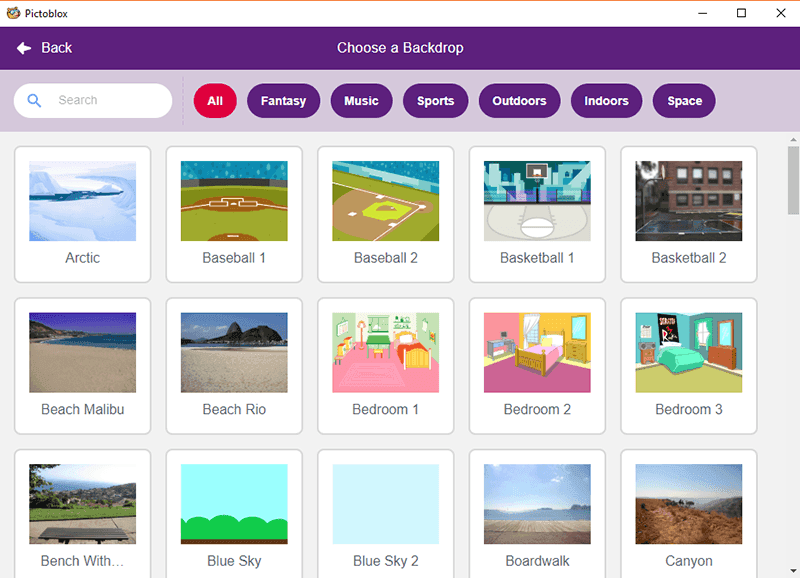
Choosing a Backdrop
You can choose a backdrop from:
- the backdrop library
- uploading a file from the computer
- creating one using the paint editor
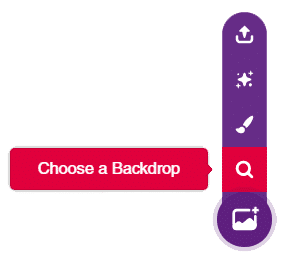
Follow the steps:
- Open PictoBlox and create a New File.
- Select the coding environment as Block Coding.
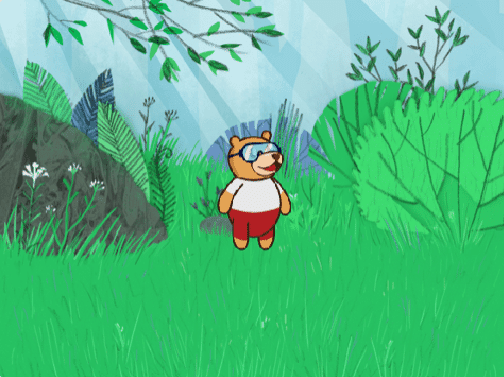
- Click Choose the Backdrop and select any backdrop you want. We're choosing the Forest backdrop (to make Tobi feel at home).
.webp&w=3840&q=75)
.webp&w=3840&q=75)
.webp&w=3840&q=75)
.webp&w=3840&q=75)
.webp&w=3840&q=75)