
What are Costumes?
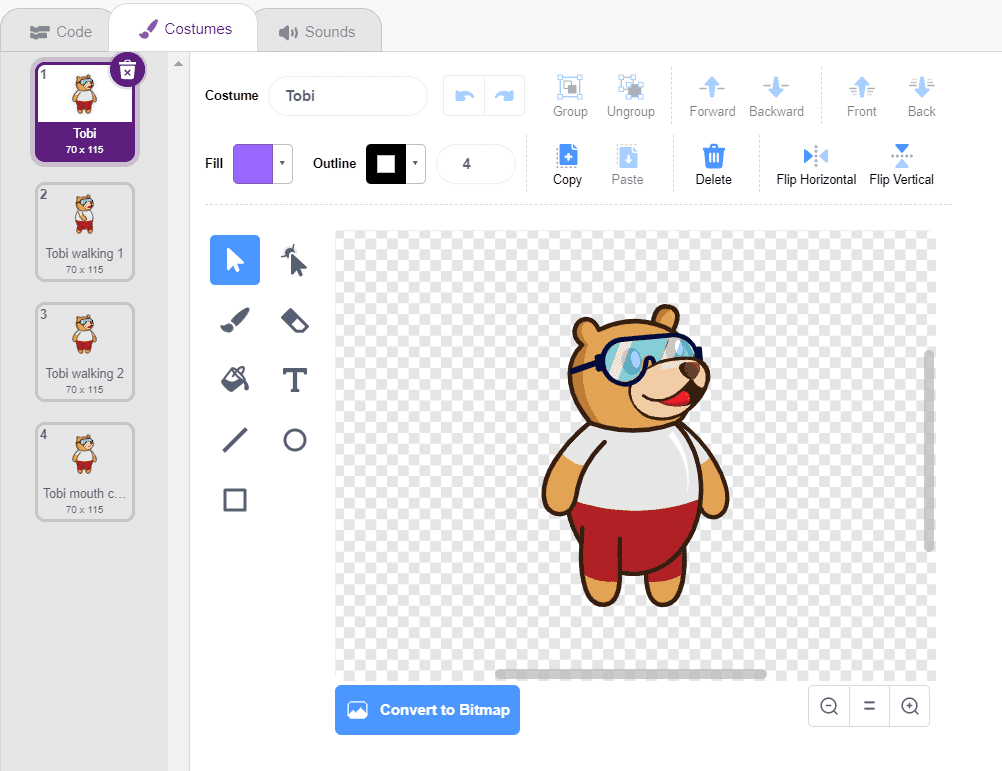
A costume is one out of possibly many "frames" or alternate appearances of a sprite. Sprites can change their look to any of its costumes. Every sprite has at least one costume.
One of the most common uses of costumes is to make an animation for a game. You can use a number of costumes to create one single animation.
The costumes available for the sprite are shown in the Costume tab, next to the Code tab in the extreme left.
How to Create Costumes?
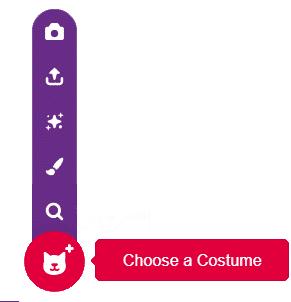
There are four ways of getting a costume for a sprite or stage.
- From the costume library
- Drawing one yourself using the inbuilt paint editor
- Getting an image or multiple images from your desktop
- Taking an image using a webcam
.webp&w=3840&q=75)
.webp&w=3840&q=75)
.webp&w=3840&q=75)
.webp&w=3840&q=75)
.webp&w=3840&q=75)